
Instructions
|
INSTRUCTIONS ON PRINTING YOUR CERTIFICATES To use these templates correctly, make sure you use only pre-printed certificates ordered from us. These templates will not work on certificates with wording only. |
||
|---|---|---|
|
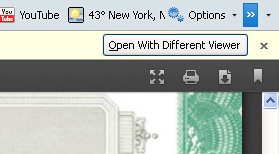
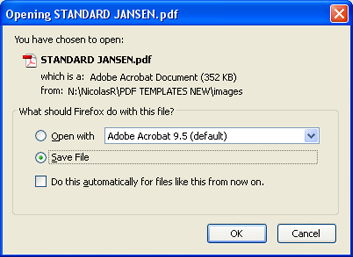
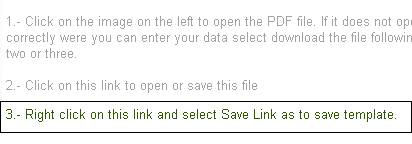
FOLLOW THESE STEPS TO PRINT OR SAVE YOUR TEMPLATE FILES 2.- Click on the image to open the PDF file to start issuing your certificates. If you are using Mozilla Firefox latest version and does not open correctly for you to enter your data, you will see a box on the right top above the image that reads "Open With Different Viewer". Click on it to open the file selecting Adobe Acrobat Reader or select Save to save the PDF file template.
6.- If your certificates are numbered, select the number on the top left box by highliting it and delete it.
|
||